AI Based Design
AI Video Walkthroughs: Still Renders Into Motion in 2026
AI now turns a single architectural render into a smooth video walkthrough. See how motion wins clients and reshapes design studios in 2026.

Your Renders Now Learn to Move
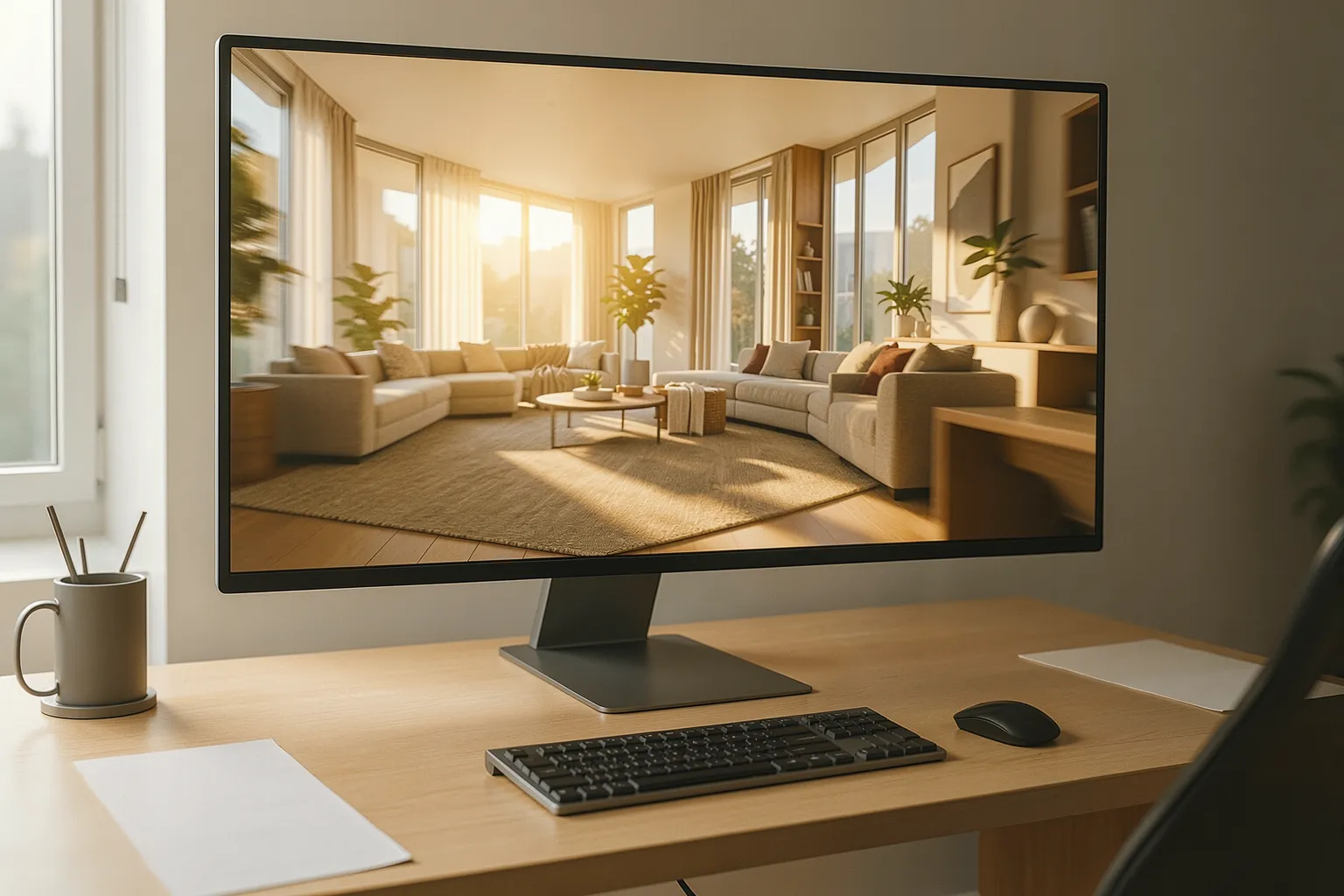
Architects sold ideas with still images for decades. In 2026, that habit finally breaks. New AI tools take a single render and grow it into a smooth walkthrough. The camera glides through the room, light shifts, and the space feels alive.
The shift is simple to state. Clients no longer want to squint at a static frame. They want to walk the hallway, turn the corner, and feel the volume. Video answers that need, and AI now makes video cheap enough to try.
Studios once needed days to animate a single fly-through. An artist set keyframes, tuned the camera, and waited on long render farms. Still-to-video tools collapse that timeline. You feed one image, describe the motion, and get a moving clip back in minutes.

Why Motion Persuades Clients
A still render hides the experience of a space. It freezes one angle and asks the client to imagine the rest. Motion removes that guesswork. The viewer reads scale, flow, and light the way a real visit teaches them.
Video also holds attention far longer than a picture. A short walkthrough tells a story, so the client stays engaged and remembers it. That memory shapes the decision. When two firms pitch, the studio that shows motion usually wins the room.
Motion sells emotion, not just geometry. The camera lingers on a sunlit corner and the mood lands instantly. Clients approve designs faster when they feel the space. AI hands smaller studios that persuasive power without a dedicated animation team.
How Still-to-Video Actually Works
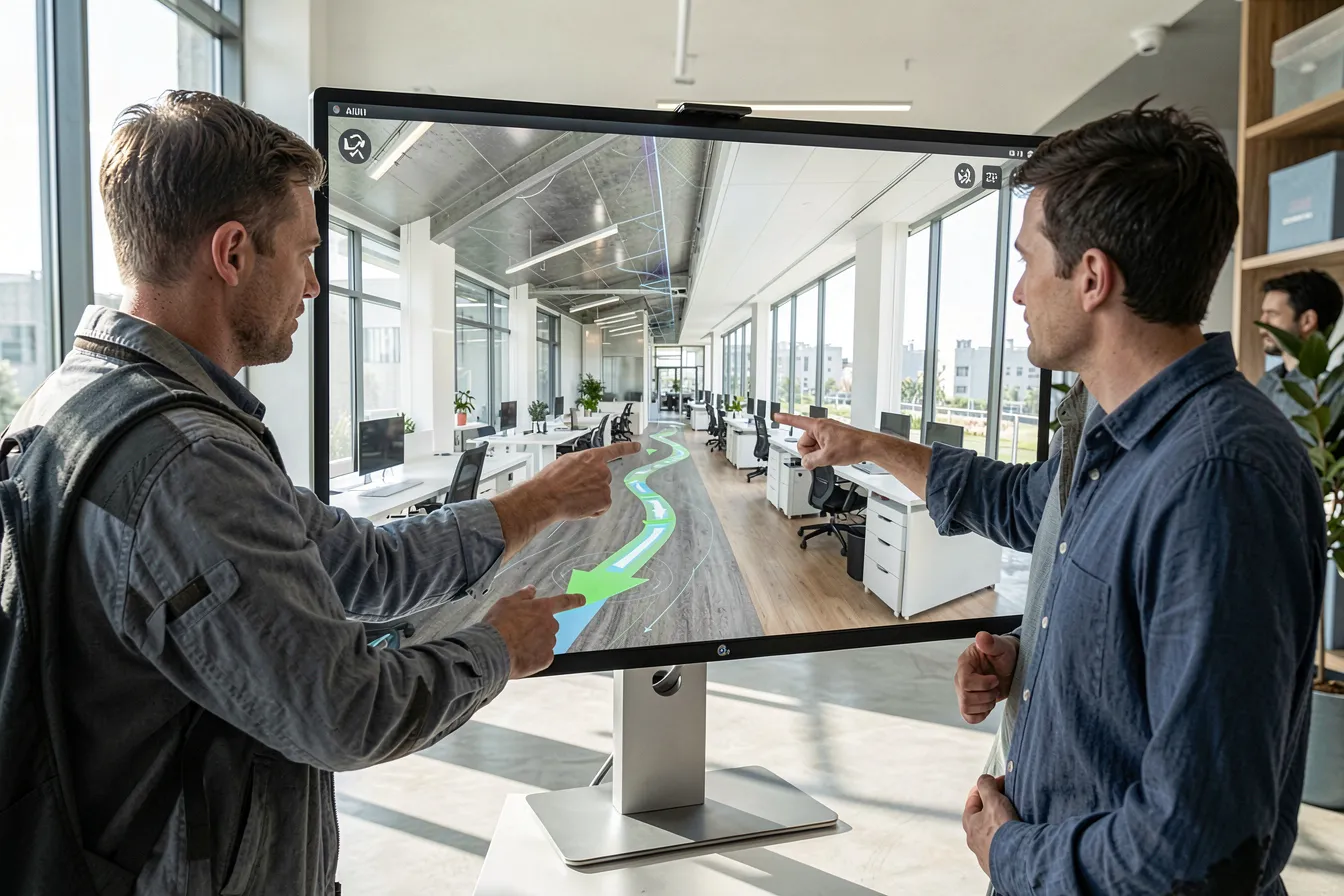
The tool starts from your finished render, so the look stays consistent. It studies depth, edges, and materials in that single frame. Then it predicts the next frames as the camera moves. The result reads as one continuous shot, not a slideshow.
You steer the motion with a short prompt or a drawn path. Ask for a slow dolly forward, a gentle pan, or an orbit around a table. The model respects your geometry and keeps walls straight. Good tools protect perspective, because architecture punishes any warp.
Control still matters more than raw magic. You set the start frame, the speed, and the length. You reject a clip that bends a doorway and try again. The AI drafts the motion fast, and you guard the accuracy it cannot judge.
Where AI Walkthroughs Pay Off
Early client pitches gain the most. You render one hero frame, then spin three motion options overnight. The client sees the lobby breathe before you commit a full animation budget. Fast video turns a cold concept into a warm, shared vision.
Real estate marketing follows close behind. Developers need dozens of clips for units that do not exist yet. AI generates each walkthrough from a single view per room. The listing feels premium, and the team skips a slow, costly render pipeline.
Design review meetings improve too. A team compares two layouts as moving clips, not flat boards. Everyone reads the circulation at a glance and spots the awkward corner. Motion exposes flaws that a careful still image quietly hides from the room.
Fit It Into Your Pipeline
Start with a strong hero render. The AI amplifies whatever you feed it, so clean input wins. Fix the lighting, the materials, and the framing first. A sharp source frame yields a stable clip; a muddy one yields drift.
Treat the clip as a draft, never a final deliverable. Watch for bent lines, melting textures, or a floating chair. Trim the weak seconds and regenerate the shaky moves. Ten minutes of review turns a rough guess into a clean, believable shot.
Keep a human on the final cut for any client work. The AI proposes motion, but you own the story and the truth. You verify that every wall stays straight and every proportion holds. You sign the video, and you carry the judgment the tool still lacks.
Frequently Asked Questions
Does AI video replace my 3D animator?
No. The tool drafts motion, but the animator owns the craft. It turns a render into a clip fast, then you direct the camera, fix the errors, and shape the story. AI removes the grind and leaves every creative call to you.
Will the walkthrough distort my architecture?
It can, if you push it too hard. Long moves and wild orbits tempt the model to bend geometry. Keep the camera calm and the shot short. Then review each frame, reject any warp, and regenerate until the walls stay perfectly straight.
Do I need many renders per room?
Usually just one strong frame per view. The AI predicts the surrounding motion from that single image. You still supply extra angles for complex spaces or long shots. More input steadies the result, yet one clean render already carries a short walkthrough.
Show It, Do Not Just Render It
Still images once defined architectural sales. In 2026, motion takes that crown. You capture one strong frame, and AI grows it into a walkthrough clients can feel. The machine animates, and you direct. That split keeps the work fast without losing control.
We build AI-driven design and visualization workflows for real projects. Visit Pixintellect to explore the tools and turn your next render into a walkthrough that moves the room.
Images: AI-Designed